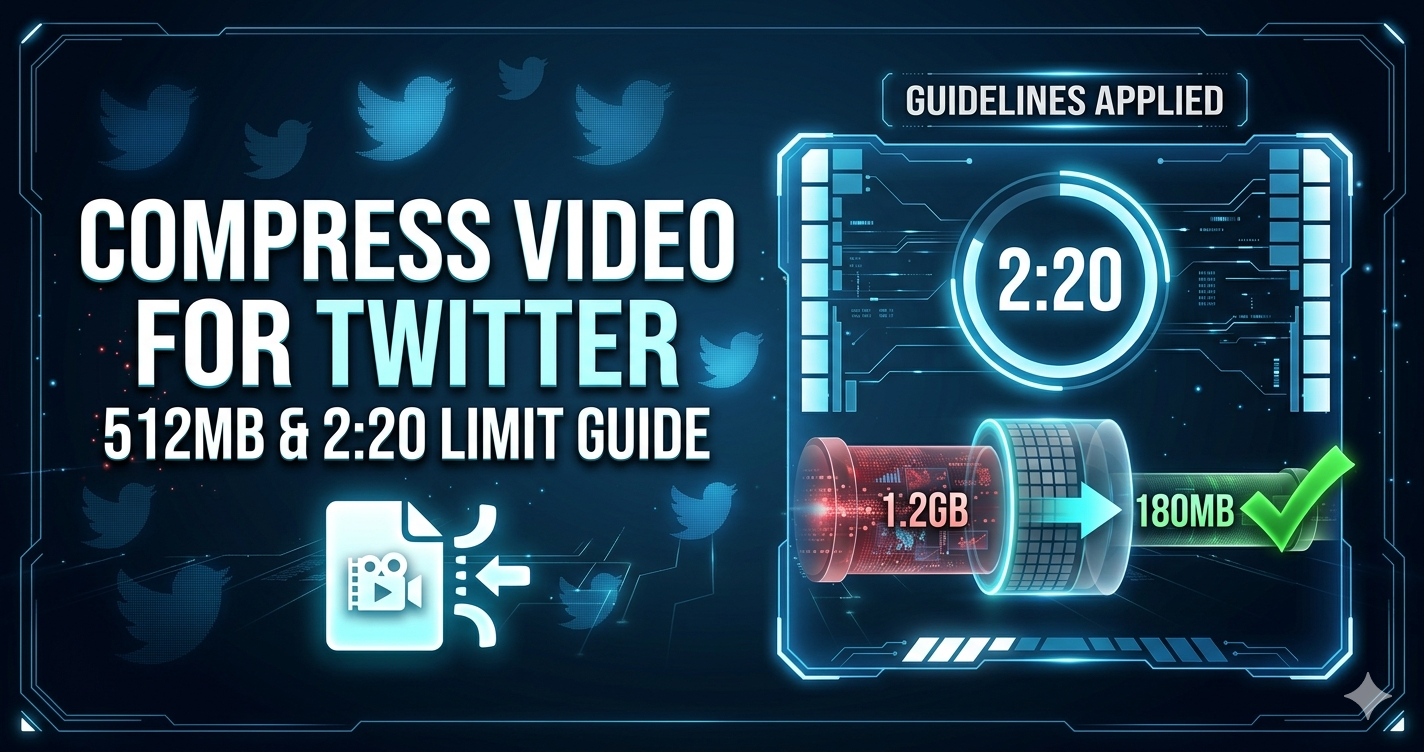
Twitter (X) has specific video requirements: 512MB maximum file size and 2 minutes 20 seconds duration limit. Videos exceeding these limits won't upload. Compressing videos ensures they meet Twitter's requirements while maintaining quality.
Quick Answer
Use Free Media Tools' video compressor to optimize videos for Twitter. Compress to 1080p or 720p, 30 fps, MP4 format, under 500MB for reliable uploads. Twitter re-encodes all videos, so uploading massive files wastes time.
Twitter Video Requirements (2026)
| Specification | Requirement |
|---|---|
| Max File Size | 512 MB |
| Max Duration | 2 minutes 20 seconds (140 seconds) |
| Min Duration | 0.5 seconds |
| Aspect Ratios | 1:2.39 to 2.39:1 (wide range) |
| Recommended Resolution | 1280×720 or 1920×1080 |
| Frame Rate | 30 or 60 fps |
| Format | MP4 or MOV |
| Codec | H.264 (recommended) |
Why Compress Videos for Twitter?
1. Meet File Size Limit
Uncompressed 2-minute video:
- 1080p 60fps: 800MB-1.5GB (exceeds limit)
- 1080p 30fps: 400-800MB (may exceed limit)
Compressed 2-minute video:
- 1080p 30fps: 150-300MB (well under limit)
- 720p 30fps: 80-150MB (safe zone)
2. Faster Uploads
500MB video:
- Upload time: 5-15 minutes (mobile data)
150MB compressed video:
- Upload time: 1-3 minutes (70% faster)
3. Better Engagement
Smaller files load faster for viewers, reducing drop-off rates.
4. Twitter Re-encodes Anyway
Twitter processes all videos. Uploading higher quality than necessary wastes time without improving final quality.
How to Compress Video for Twitter (Step-by-Step)
Step 1: Check Video Duration
Twitter limit: 2 minutes 20 seconds (140 seconds)
If over 140 seconds:
- Trim using our video trimmer
- Or split into multiple tweets
Step 2: Check File Size
On Windows: Right-click → Properties → Size
On Mac: Right-click → Get Info → Size
On Phone: File manager → Details
If over 500MB: Compression needed
Step 3: Compress Using Our Tool
- Go to freemediatools.online/compress-video-online
- Upload your video
- Select compression level:
- High Quality: For important videos
- Medium Quality: For general tweets
- Low Quality: For quick clips
- Download compressed video
Step 4: Upload to Twitter
- Open Twitter/X
- Click "Post" or "Tweet"
- Click media icon
- Select compressed video
- Add text and post
Real-World Example: Product Launch
A startup wanted to share a 3-minute product demo on Twitter.
Original video: 3 minutes, 1080p 60fps, 1.2GB
Problems:
- Over 2:20 duration limit
- Over 512MB file size limit
- Couldn't upload to Twitter
Solution:
- Trimmed to 2 minutes (key features only)
- Compressed to 720p 30fps
- Result: 180MB, 2 minutes
Outcome: Successfully posted, 2,500 views in first hour
Comparison Table: Video Settings for Twitter
2-minute video at different settings:
| Resolution | Frame Rate | File Size | Quality | Best For |
|---|---|---|---|---|
| 1080p | 60 fps | 600MB | Excellent | High-motion (may exceed limit) |
| 1080p | 30 fps | 300MB | Excellent | General use |
| 720p | 60 fps | 300MB | Very Good | High-motion |
| 720p | 30 fps | 150MB | Very Good | Safe choice |
| 480p | 30 fps | 80MB | Good | Quick clips |
Recommendation: 720p 30fps for best balance of quality and file size.
What to Avoid: Twitter Video Mistakes
1. Videos Over 2:20
Twitter hard limit is 2 minutes 20 seconds. Videos over this won't upload.
Solution: Trim to under 2:20 using our video trimmer.
2. Files Over 512MB
Twitter rejects files over 512MB.
Solution: Compress to under 500MB (leaves buffer).
3. Using 4K Resolution
4K videos are huge and Twitter downscales to 1080p anyway.
Solution: Use 1080p or 720p maximum.
4. Vertical Videos for General Content
While Twitter supports vertical, horizontal (16:9) works better for most content.
Solution: Use 16:9 for general content, 9:16 only for mobile-first content.
5. Not Optimizing Audio
High bitrate audio adds unnecessary file size.
Solution: Our tool automatically optimizes audio to 128 kbps.
Twitter Video Best Practices
For Maximum Engagement
Duration: 30-60 seconds (sweet spot)
Resolution: 1280×720 (720p)
Frame Rate: 30 fps
Aspect Ratio: 16:9 (horizontal)
File Size: 100-300MB
Hook: First 3 seconds are critical
For Different Content Types
News/Updates:
- 30-60 seconds
- 720p, 30 fps
- Clear audio
Product Demos:
- 60-120 seconds
- 1080p, 30 fps
- Show key features
Behind-the-Scenes:
- 30-90 seconds
- 720p, 30 fps
- Authentic feel
Tutorials:
- 90-140 seconds (max length)
- 1080p, 30 fps
- Clear visuals and text
Frequently Asked Questions
What's the maximum video length for Twitter?
2 minutes 20 seconds (140 seconds). Videos longer than this won't upload.
What's the file size limit for Twitter videos?
512 MB maximum. Keep videos under 500MB for reliable uploads.
Does Twitter compress videos?
Yes, Twitter re-encodes all uploaded videos. Uploading higher quality than 1080p doesn't improve final quality.
What video format does Twitter use?
Twitter accepts MP4 and MOV. MP4 (H.264 codec) is recommended for best compatibility.
Can I upload 4K videos to Twitter?
Technically yes, but Twitter downscales to 1080p maximum. 4K files are larger with no quality benefit.
Why is my Twitter video blurry?
Common causes:
- Over-compressed before upload
- Twitter still processing (wait a few minutes)
- Uploaded low-resolution video
- Poor lighting when filming
How do I make Twitter videos load faster?
- Compress to 720p, 30 fps
- Keep file size under 300MB
- Use MP4 format (H.264 codec)
- Upload on WiFi instead of mobile data
Can I post longer videos on Twitter?
No, 2:20 is the hard limit. For longer content, split into multiple tweets or use YouTube links.
Twitter Video Optimization Checklist
Before uploading:
- Duration is under 2:20 (140 seconds)
- File size is under 500MB
- Resolution is 720p or 1080p
- Frame rate is 30 or 60 fps
- Format is MP4 (H.264 codec)
- Aspect ratio is 16:9 or 1:1
- Video has been compressed/optimized
- Hook is in first 3 seconds
- Captions added (many watch without sound)
Alternative: Twitter Video Limits Workaround
For Videos Over 2:20
Option 1: Split into thread
- Part 1: First 2:20
- Part 2: Remaining content
- Link tweets together
Option 2: YouTube link
- Upload full video to YouTube
- Share YouTube link on Twitter
- Twitter shows preview card
Option 3: Trim to highlights
- Cut to most important 2:20
- Use our video trimmer
For Files Over 512MB
Option 1: Compress more
- Lower resolution (1080p → 720p)
- Lower frame rate (60fps → 30fps)
- Use "Low Quality" compression
Option 2: Shorten duration
- Trim unnecessary parts
- Focus on key message
Option 3: External hosting
- Upload to YouTube, Vimeo
- Share link on Twitter
Related Tools You Might Need
-
Video Trimmer — Cut videos to under 2:20 for Twitter's duration limit.
-
Video Converter — Convert videos to MP4 format for optimal Twitter compatibility.
-
Compress for Instagram — Similar optimization for Instagram Reels and Stories.
By Muhammad Hasnain Adam — Full-stack developer from Karachi, Pakistan. I built Free Media Tools to help content creators optimize videos for social media platforms like Twitter, ensuring fast uploads and maximum engagement.