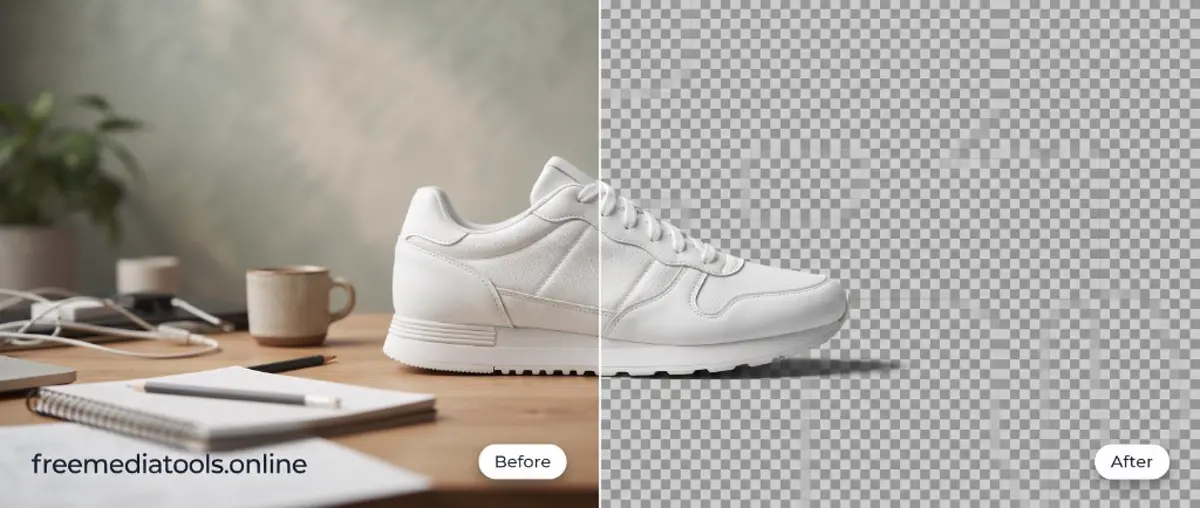
remove.bg made one-click cutouts mainstream. In 2026 that standalone workflow is ending: Canva (which acquired remove.bg in 2021) is folding the product into its own platform. If you only needed a transparent PNG without an account, that change matters.
Quick Answer
Official date: remove.bg states the standalone website stops on 1 December 2026 at 9:00am CET. Background removal continues inside Canva; the self-serve API path moves toward Leonardo.Ai. That is a migration, not “AI background removal disappearing.”
If you want a cutout without joining Canva Pro and without uploading photos to our servers, use Free Media Tools Background Remover: multi-select up to 20 images, Fast or Higher-quality mode, transparent PNG or ZIP download, all in the browser.
What is actually happening to remove.bg
Be precise — rumors inflate the story.
| Claim | Reality (as published by remove.bg / Canva ecosystem) |
|---|---|
| “remove.bg dies forever” | The standalone site closes. The tech moves into Canva. |
| “Everything free forever elsewhere” | Canva’s Background Remover is typically a Pro feature — check Canva’s current plan page. |
| “API users are fine” | Self-service API users are directed to migrate (Leonardo.Ai docs exist for that path). Enterprise contracts are described separately in their FAQ. |
| “Closes Dec 31” | Published banner/FAQ language points to 1 December 2026, not the 31st. Always re-check remove.bg before you plan a migration. |
So: remove.bg-the-website is going away. Background removal as a feature is not vanishing from the internet — it is moving behind Canva’s product and account model.
Honest comparison: remove.bg / Canva vs Free Media Tools
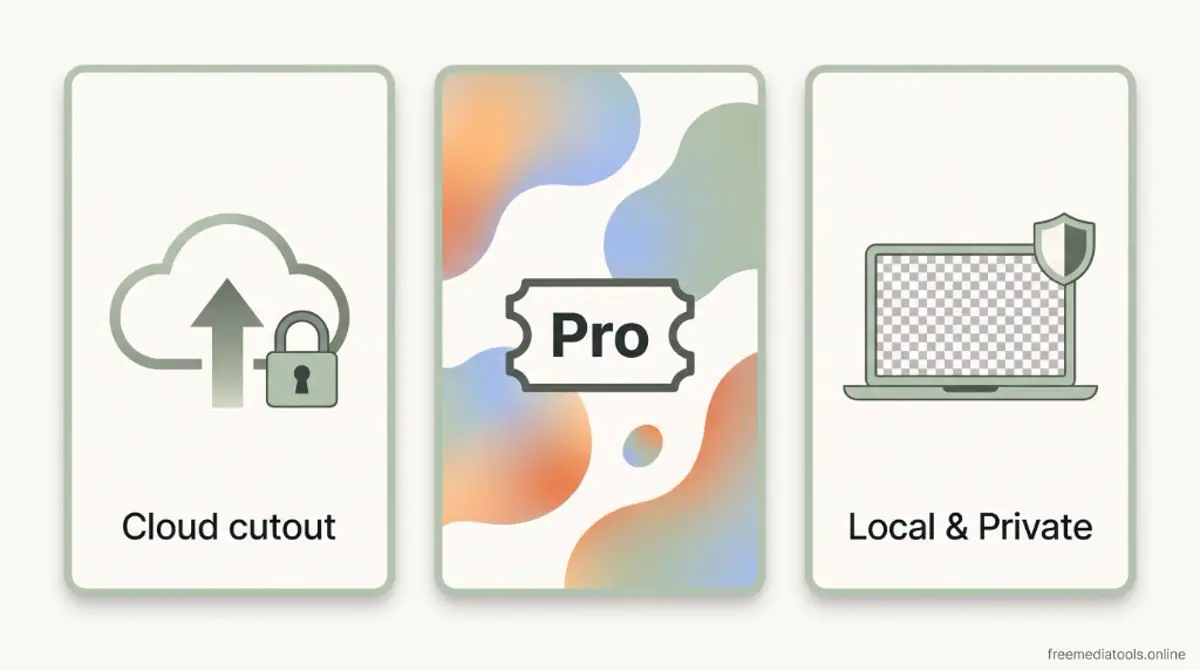
We will not pretend we beat remove.bg on every axis. They spent years shipping excellent hair edges and product cutouts. Here is a straight table for people who just need a PNG.
| remove.bg (until Dec 1, 2026) | Canva Background Remover (after migration) | Free Media Tools /remove-background | |
|---|---|---|---|
| Account | Often optional for previews; paid for high-res credits | Canva account; Pro commonly required for BG remover | No account |
| Where the photo goes | Uploaded to their cloud | Uploaded into Canva’s editor | Stays on your device (browser AI) |
| Cost for a clean PNG | Free tier was limited; credits for high-res | Tied to Canva Pro / plan | Free, no watermark from us |
| Batch | Credits / API / apps | Design workflow, not a simple drop-folder tool | Multi-select up to 20, ZIP download |
| Best at | Polished cloud AI, hair/fur, brand workflows | Design + cutout in one suite | Private, free, quick cutouts offline-capable after model cache |
| Weak at | Privacy-sensitive uploads; paywall for full res | Overkill if you only need a cutout | Edge quality can lag a paid cloud model on messy hair; first run downloads a model (~tens of MB) |
Bottom line: If you already live in Canva and pay for Pro, staying there is the path of least resistance. If you refuse uploads, refuse signup, or need a simple batch ZIP of transparent PNGs, a browser tool like ours is the better fit — and we are not shutting down on Dec 1.
Why “we’re not going anywhere” matters
Cloud tools can change brands overnight. remove.bg → Canva is a reminder that a bookmark is not a guarantee.
Free Media Tools is built around client-side processing (same idea as our compress / convert / crop tools). Your product shots and ID-style photos are not parked on our API for background removal. That does not make us “better than Canva at design.” It makes us a durable privacy-first cutout utility you can keep using after the standalone remove.bg URL goes dark.
How to remove backgrounds here (batch included)
- Open Remove Background.
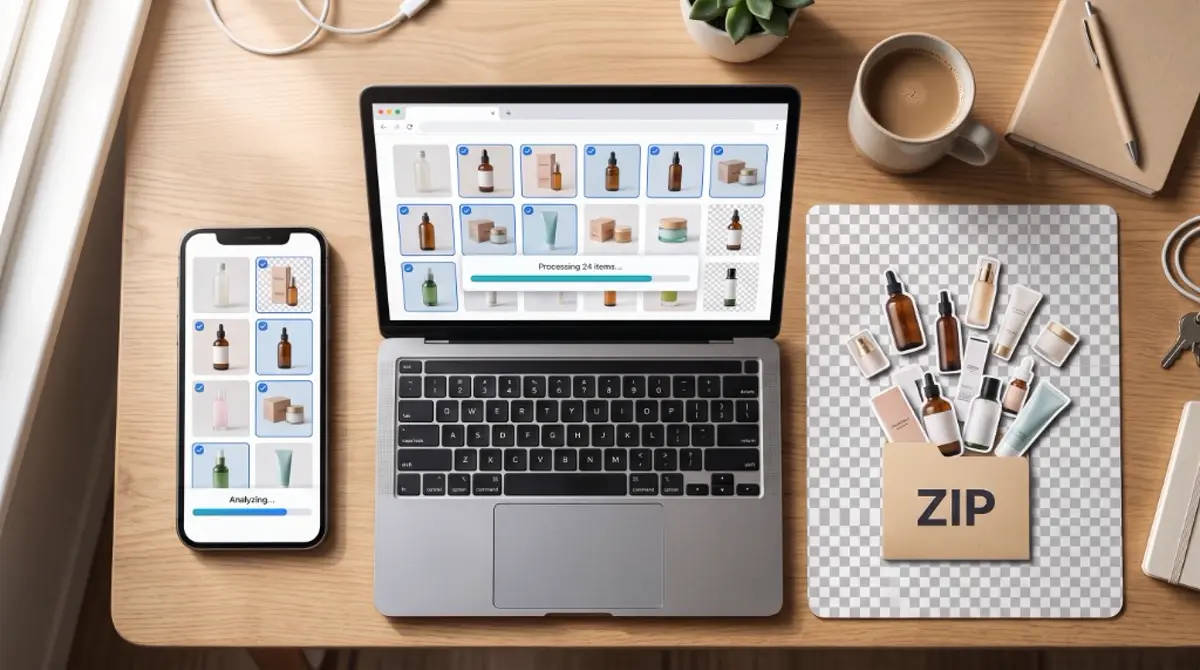
- Drop one image or multi-select several (up to 20).
- Pick Fast (default, smaller model) or Higher quality.
- Click remove — the AI model warms up once, then each file is cut out in your tab.
- Download each PNG or grab a ZIP of all finished cutouts.
Large photos are gently downscaled for inference (long edge capped) so phones do not choke. That is a speed tradeoff, not a watermark trick.
Real-world cases after the Canva move
E-commerce seller
You had a remove.bg credit pack for 40 product SKUs a week. After Dec 1 you either pay Canva Pro or find another cutout path. Batch multi-select + ZIP on a private tool keeps the catalog workflow simple.
Freelance designer under NDA
Client forbids cloud uploads. Browser-side cutouts are easier to justify than “we uploaded everything to Canva.”
Student / social creator
You only need a few transparent stickers a month. Paying for a full design suite just for BG removal is overkill.
What we do well — and what we do not
Do well
- No signup, no our-server upload for this tool
- Multi-file queue + ZIP
- Fast mode + model preload so the second image is quicker
- Transparent PNG ready for Canva, Figma, or Shopify after you cut out privately
Do not claim
- We are not “official remove.bg”
- We may lose to remove.bg/Canva Pro on the hardest hair and fur edges
- First visit still needs a model download; offline only after the browser caches it
- We are not a full design suite — paste the PNG into Canva yourself if you want layouts
Honesty beats hype. Use Canva when you want their whole editor. Use us when you want a free private cutout utility that is still here after the standalone remove.bg site closes.
Best practices for cleaner cutouts
- Shoot or pick photos with clear subject–background contrast.
- Prefer solid or simple backdrops for product shots.
- Start with Fast; switch to Higher quality only if edges look soft.
- After download, drop the PNG onto a new background in any editor — that is the remove.bg workflow people actually wanted.
- Keep originals; cutouts discard pixels you cannot recover.
Common mistakes
- Waiting until Dec 1 without exporting anything you still need from remove.bg accounts/credits
- Assuming Canva free includes Background Remover (verify current Canva pricing)
- Uploading passport or client NDA photos to random “free” upload sites
- Expecting perfect pet fur from any free browser model every time
- Confusing Dec 31 rumors with the published Dec 1, 2026 date
FAQ
When does remove.bg’s standalone site close?
Published messaging points to 1 December 2026, 9:00am CET. Confirm on remove.bg’s own banner/FAQ before you migrate.
Is background removal disappearing?
No. It is moving into Canva (and API users toward Leonardo.Ai per their docs). The familiar remove.bg website URL is what goes away.
Is Free Media Tools a drop-in remove.bg clone?
No. It is a free, private, browser-based alternative for transparent PNGs — including multi-select. Quality and features differ.
Do you upload my images?
For /remove-background, processing runs in your browser. Images are not sent to Free Media Tools servers for cutout.
Can I process many images at once?
Yes — multi-select up to 20, then download a ZIP of finished PNGs.
Will you shut down like remove.bg’s site?
We cannot promise eternal existence (no honest indie tool can), but we are not part of the Canva migration and have no Dec 1, 2026 sunset for this page. The tool is meant to stay as a simple utility on freemediatools.online.
Should I just use Canva?
If you already pay for Canva Pro and edit there daily, yes — that is the official home of remove.bg’s tech after the move. If you only need private free cutouts, use /remove-background.
Why try our background remover
- Free transparent PNGs without our watermark
- Multi-select batch + ZIP
- Fast / higher-quality modes
- Model preload + size capping for snappier runs
- Same privacy-first model as our other media tools
- A practical option while remove.bg’s standalone site winds down
Ready when you are: Remove background free.