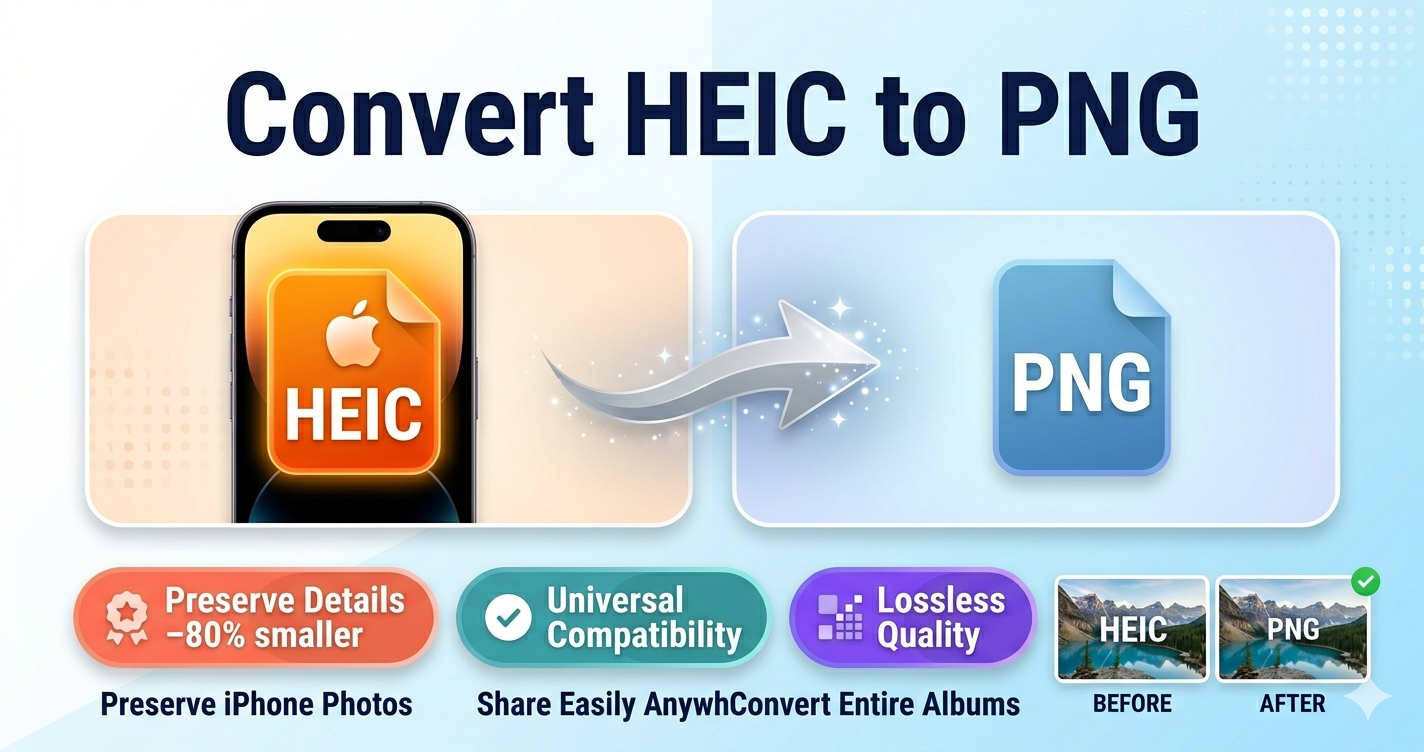
Can't open photos from your iPhone on Windows or share them online? That's because iPhones save photos as HEIC files, which many devices and websites don't support. Converting HEIC to PNG makes your photos universally compatible.
Quick Answer
Use Free Media Tools' image converter to convert HEIC to PNG instantly. No software installation, works on any device, completely free. Your files are processed locally in your browser for complete privacy.
What is HEIC Format?
HEIC (High Efficiency Image Container)
- Created by: Apple (based on HEIF standard)
- Used by: iPhone, iPad (iOS 11+)
- Advantages: 50% smaller files than JPG, supports transparency
- Disadvantages: Limited compatibility outside Apple ecosystem
Why iPhones Use HEIC
Apple switched to HEIC in 2017 (iOS 11) because:
- Smaller file sizes - 50% smaller than JPG
- Better quality - More detail at same file size
- Supports transparency - Like PNG
- Modern codec - Based on HEVC (H.265) video codec
HEIC vs PNG: What's the Difference?
| Feature | HEIC | PNG |
|---|---|---|
| Compatibility | Apple devices only | Universal |
| File Size | Smaller | Larger |
| Quality | Excellent | Excellent |
| Transparency | Yes | Yes |
| Web Support | Limited | Universal |
| Windows Support | Requires codec | Native |
When to Use PNG
- ✅ Sharing photos with non-Apple users
- ✅ Uploading to websites
- ✅ Editing in Windows software
- ✅ Printing from Windows
- ✅ Email attachments
- ✅ Universal compatibility needed
When to Keep HEIC
- ✅ Storing on iPhone/iPad
- ✅ Sharing between Apple devices
- ✅ Saving storage space
- ✅ Backing up to iCloud
How to Convert HEIC to PNG (Step-by-Step)
Method 1: Online Converter (Recommended)
Best for: Quick conversions, any device, no software
Steps:
- Go to freemediatools.online/convert-image
- Click "Choose Files" and select HEIC images
- Select "PNG" as output format
- Click "Convert Images"
- Download converted PNG files
Pros:
- No software installation
- Works on any device (Windows, Mac, Linux, mobile)
- Batch conversion supported
- Free and unlimited
- Privacy-focused (local processing)
Time: 5-30 seconds per image
Method 2: Windows Photos App
Best for: Windows 10/11 users with HEIC codec installed
Steps:
- Install "HEIF Image Extensions" from Microsoft Store (free)
- Open HEIC file in Photos app
- Click "..." → "Save as"
- Choose PNG format
- Save
Pros:
- Built into Windows
- No third-party software
Cons:
- Requires codec installation
- One file at a time
- Windows only
Method 3: Mac Preview
Best for: Mac users
Steps:
- Open HEIC file in Preview (double-click)
- File → Export
- Format: Select "PNG"
- Click "Save"
Pros:
- Built into Mac
- No software needed
- High quality
Cons:
- Mac only
- One file at a time
Method 4: iPhone Settings (Prevent HEIC)
Best for: Preventing HEIC files in the future
Steps:
- Open Settings on iPhone
- Camera → Formats
- Select "Most Compatible" (instead of "High Efficiency")
- Photos will now save as JPG instead of HEIC
Pros:
- No conversion needed
- Photos are JPG from start
Cons:
- Larger file sizes (50% bigger)
- Uses more iPhone storage
- Doesn't convert existing HEIC files
Real-World Example: Wedding Photographer
A wedding photographer shot 500 photos on iPhone, all saved as HEIC. Client requested photos for printing on Windows.
Problem:
- Client couldn't open HEIC files on Windows
- Print shop didn't accept HEIC format
- Photographer needed quick solution
Solution:
- Used our batch converter
- Uploaded all 500 HEIC files
- Converted to PNG in 10 minutes
- Delivered to client
Results:
- All photos opened on Windows
- Print shop accepted PNG files
- Client was happy
- No quality loss
Batch Conversion: Convert Multiple HEIC Files
Using Our Online Tool
- Go to freemediatools.online/convert-image
- Select multiple HEIC files (or drag folder)
- Choose PNG as output
- Click "Convert All"
- Download as ZIP file
Capacity: Unlimited files, processed in batches
Using Command Line (Mac)
Mac includes sips command for batch conversion:
# Convert all HEIC files in current folder to PNG
for file in *.HEIC; do
  sips -s format png "$file" --out "${file%.HEIC}.png"
done
This converts all HEIC files to PNG in the same folder.
What to Avoid: Conversion Mistakes
1. Using Low-Quality Converters
Some converters reduce quality or add watermarks.
Solution: Use reputable converters like ours that preserve original quality.
2. Not Checking File Size
PNG files are larger than HEIC (2-3x). Converting 1000 photos can fill your hard drive.
Solution: Check available storage before batch conversions. Consider JPG for smaller files.
3. Losing Metadata
Some converters strip EXIF data (date, location, camera settings).
Solution: Use converters that preserve metadata. Our tool keeps all EXIF data intact.
4. Converting Unnecessarily
If you're staying in Apple ecosystem, HEIC is better (smaller files, same quality).
Solution: Only convert when sharing with non-Apple users or uploading to incompatible websites.
5. Not Backing Up Originals
Always keep original HEIC files as backup.
Solution: Convert copies, not originals. HEIC files are smaller for storage.
HEIC vs PNG vs JPG: Which to Use?
| Use Case | Best Format | Why |
|---|---|---|
| iPhone storage | HEIC | 50% smaller than JPG |
| Sharing with Windows users | JPG or PNG | Universal compatibility |
| Web upload | JPG or WebP | Smaller, faster loading |
| Transparency needed | PNG or HEIC | Both support transparency |
| Printing | PNG or JPG | Universal print support |
| JPG | Smaller attachments | |
| Editing | PNG | Lossless quality |
Frequently Asked Questions
Why can't I open HEIC files on Windows?
Windows doesn't natively support HEIC format. You need to install "HEIF Image Extensions" from Microsoft Store or convert to PNG/JPG.
Is PNG better than HEIC?
PNG offers universal compatibility but larger file sizes. HEIC offers smaller files but limited compatibility. Choose based on your needs.
Can I convert HEIC to PNG without losing quality?
Yes, both HEIC and PNG are high-quality formats. Converting from HEIC to PNG preserves all image data without quality loss.
How do I stop my iPhone from taking HEIC photos?
Settings → Camera → Formats → Select "Most Compatible". Photos will save as JPG instead of HEIC.
Can Android phones open HEIC files?
Most Android phones (Android 9+) can open HEIC files, but support varies by manufacturer. Converting to PNG ensures compatibility.
Why are my iPhone photos HEIC?
iPhones (iOS 11+) use HEIC format by default because it's 50% smaller than JPG while maintaining quality. This saves storage space.
Should I convert HEIC to PNG or JPG?
- PNG: For transparency, editing, or maximum quality
- JPG: For smaller file sizes, web use, or email
For most uses, JPG is better (smaller files, universal compatibility).
Can I batch convert HEIC to PNG?
Yes, our tool supports batch conversion. Upload multiple HEIC files and convert all at once.
Technical Details: HEIC Format
How HEIC Works
HEIC uses HEVC (H.265) video compression technology for still images. This advanced compression achieves:
- 50% smaller files than JPG
- Better quality at same file size
- Support for transparency (alpha channel)
- Support for image sequences (Live Photos)
Why Limited Compatibility?
HEIC requires HEVC codec, which has licensing fees. Many software developers avoid it due to:
- Patent licensing costs
- Complexity of implementation
- Limited demand outside Apple ecosystem
This is why PNG and JPG remain more universal.
Alternative Formats to Consider
JPG (JPEG)
Best for: Universal compatibility, smaller files than PNG
- Universal support (100% compatibility)
- Smaller than PNG (but larger than HEIC)
- Lossy compression (slight quality loss)
- No transparency support
When to use: General sharing, web, email
WebP
Best for: Modern websites (97% browser support)
- 25-35% smaller than JPG
- Supports transparency
- Excellent quality
- Limited software support
When to use: Website images (with fallback)
AVIF
Best for: Cutting-edge web use
- 50% smaller than JPG
- Excellent quality
- Growing browser support (90%)
- Very limited software support
When to use: Modern websites for maximum compression
Related Tools You Might Need
-
Convert HEIC to JPG — Convert to JPG for smaller file sizes than PNG while maintaining universal compatibility.
-
Image Compressor — After converting to PNG, compress to reduce file size by 50-70% without visible quality loss.
-
Image Resizer — Resize converted PNG images to optimal dimensions for web, email, or social media.
Why Our Converter is Best
- No quality loss - Preserves original image quality
- Batch conversion - Convert multiple files at once
- Privacy-focused - Files processed locally in browser
- No limits - Convert unlimited files
- Free forever - No subscriptions or hidden fees
- Metadata preservation - Keeps EXIF data (date, location, camera info)
- All formats - Convert to PNG, JPG, WebP, and more
iPhone Photo Workflow Tips
For Maximum Compatibility
- Change iPhone settings to "Most Compatible" (saves as JPG)
- Or keep HEIC on iPhone (saves storage)
- Convert to PNG/JPG when sharing with non-Apple users
For Maximum Storage Efficiency
- Keep HEIC on iPhone (50% smaller)
- Backup HEIC to iCloud or external drive
- Convert to PNG/JPG only when needed for sharing
For Professional Photography
- Shoot in ProRAW (if available) for maximum editing flexibility
- Or keep HEIC for storage efficiency
- Convert to PNG for editing in professional software
- Export to JPG for client delivery
By Muhammad Hasnain Adam — Full-stack developer and creator of Free Media Tools. I built this converter to solve the frustrating HEIC compatibility problem, making it easy for everyone to share iPhone photos with any device or platform.